
Enhancing the Checkpoint Experience
Reimagining the Airport Security Experience for U.S. Travelers
Over a 10-week SCADpro Sponsored Course with Deloitte and their end-client, our team explored how design could improve the passenger experience at U.S. airport security checkpoints. We conducted in-depth research, interviews, and on-site observations to analyze current pain points and identify opportunities for innovation within a highly regulated, high-stakes and at times tense system.

The Challenge
How might we enhance the checkpoint experience in U.S. airports?
Airport checkpoints are one of the most stressful and complex touchpoints in the traveler journey. Operational constraints, inconsistent service, and unclear communication often create tension and inefficiencies for both staff and passengers. We were challenged to explore service design opportunities that could reduce friction, enhance clarity, and improve perceptions leading up to and during the checkpoint process.
The Solution
How did we enhance the checkpoint experience for travelers?
Our team proposed a range of forward-looking service enhancements and experience concepts—focused on reducing stress, streamlining flow, and fostering a more welcoming atmosphere. These solutions included reimagined partnerships, traveler-facing tools, and environmental improvements grounded in research insights.
My Contribution
Designing the Future-State Environment
I led the development of a virtual prototype that visualized a future-state checkpoint environment. This immersive walkthrough showcased how thoughtful design could address traveler needs while aligning with operational realities, helping stakeholders imagine a more human-centered checkpoint experience.
Due to NDA requirements, detailed visuals and descriptions remain confidential or heavily-censored.
The Process

Discovery & Framing
Mapping the landscape—visualizing existing spaces and uncovering opportunities to enhance the comfort and connectivity of all involved.
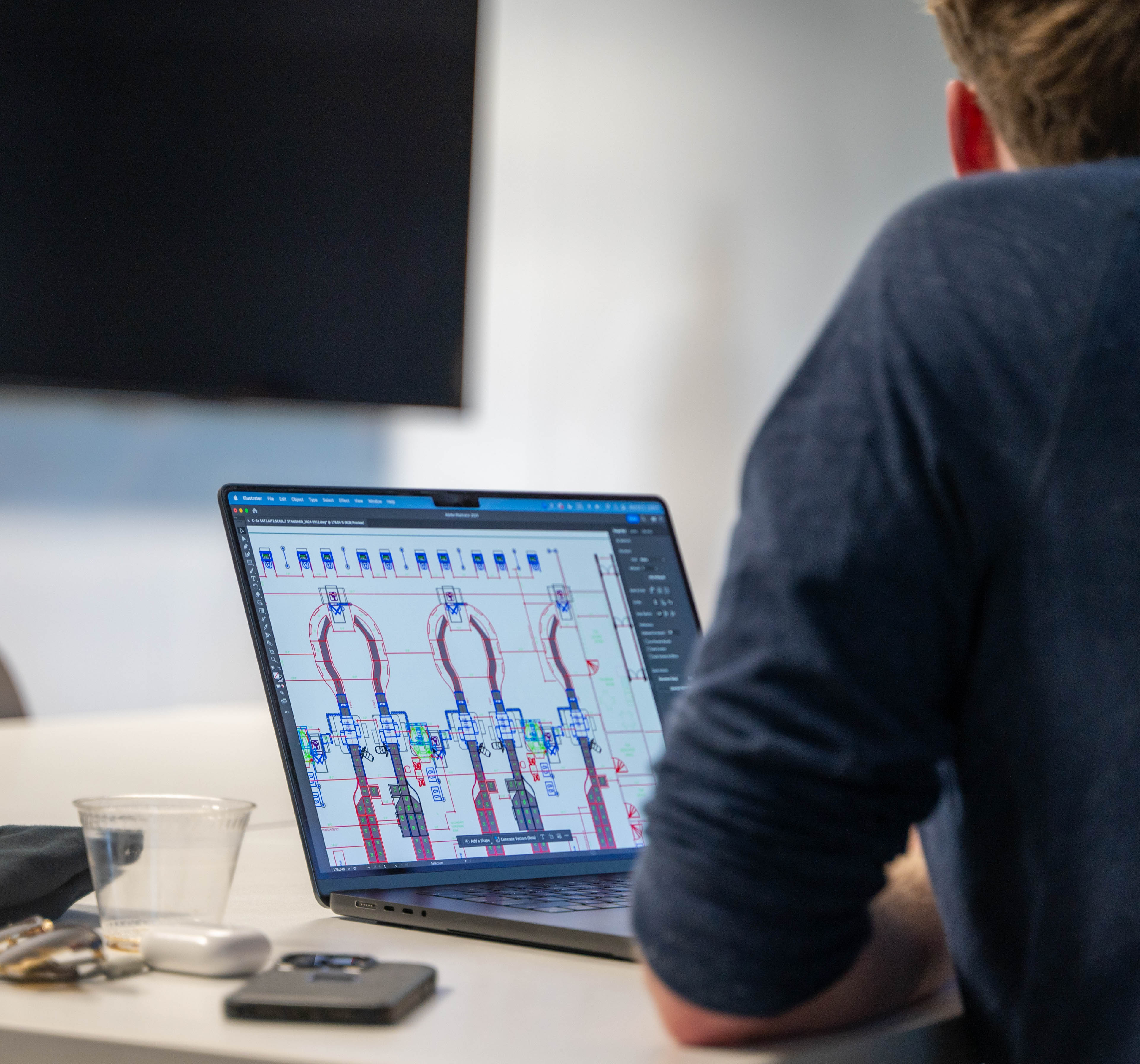
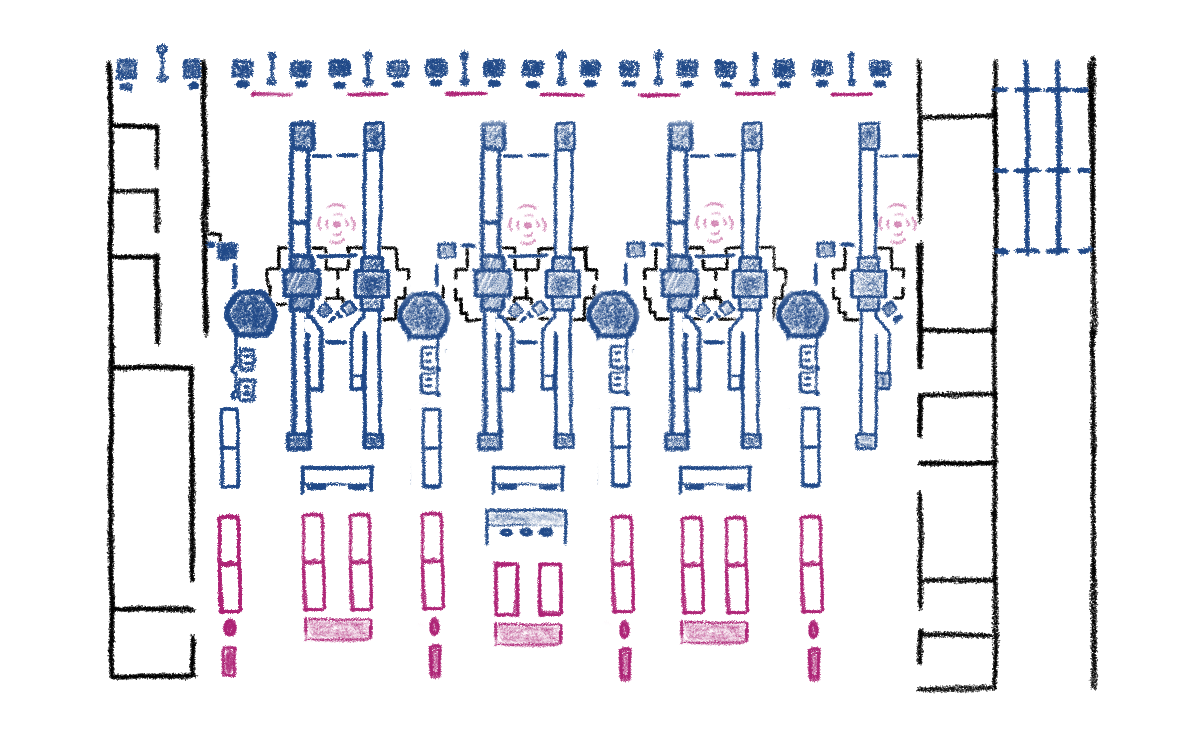
Our ideation of the physical space began with sketches of the current layout
From those initial sketches, we overlaid proposed changes designed to fit seamlessly within the existing framework, making them practical to implement.
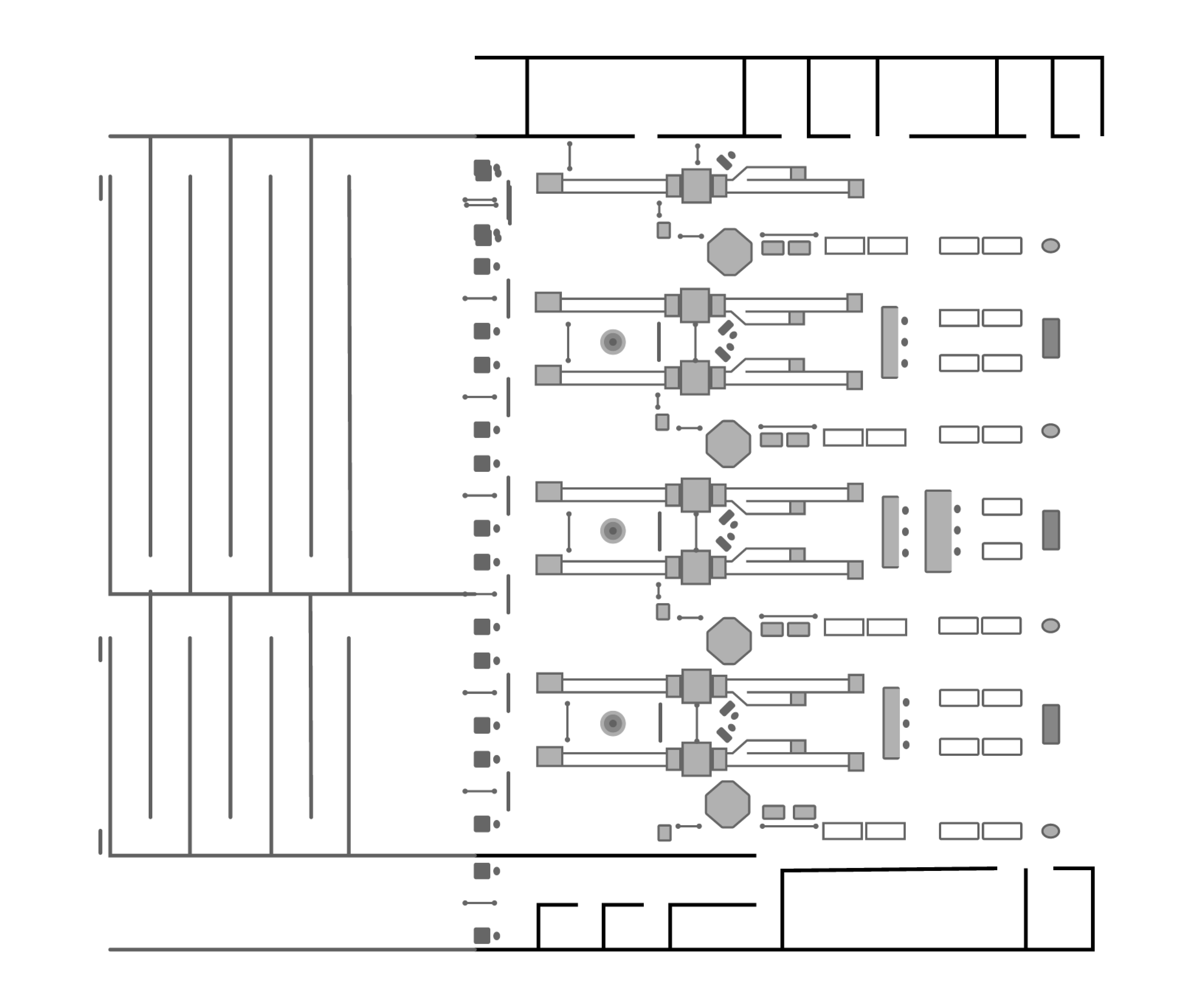
Building on these sketches, we created a vectored map of the current state in Figma. This format allowed us to easily make adjustments to the two-dimensional layout, helping us refine our vision for both the present space and our five-year projection.
Layout Redesign
Early Development
Bringing concepts to life—transitioning from sketches to 3D models to visualize and refine our proposed enhancements.
With these changes more clearly defined, we moved on to modeling the current and projected states using CAD tools. The base space was built in SketchUp, with detailed elements modeled in Rhino and imported as needed. This combination allowed us to capture complex structures like scanning machines within a unified environment.
At this point, we used our model to create low-fidelity video walkthroughs and virtual tours, facilitated through the Oculus Quest 2, offering an interactive preview of the five-year vision.
Low-fidelity Model
Finishing Touches
Adding depth and realism—enhancing our models with textures, animations, and interactive elements to create an immersive virtual prototype.
Following feedback from these virtual reviews, we implemented additional tweaks and refinements, further aligning the design with our goals.
This process paved the way for the final stage of development: Twinmotion. While SketchUp served well for initial modeling, Twinmotion enabled us to enhance the visual quality by focusing on rendering and polishing.
We transformed the original model by replacing flat textures with dynamic, reflective surfaces. We also replaced static 2D figures with animated 3D people to add movement and depth, while animating previously static elements like vehicles.
The result was a virtual prototype that felt immersive, engaging, and easy to grasp, despite being intangible. Twinmotion’s platform also allowed us to efficiently generate still images, videos, and a fully immersive virtual tour, bringing our vision to life in a compelling and accessible way.
Final Virtual Prototype
Presentation
Sharing our story—presenting our team’s ideas thoughtfully, learning to connect authentically with stakeholders, and growing more comfortable communicating design concepts.
I served as one of the primary presenters for every check-in throughout the quarter and for two final presentations. The first was to our direct Deloitte contacts, and the second to a broader group, including key stakeholders from the end-client. These presentations were critical for conveying our team’s work and recommendations.
To prepare, I worked with voice and presentation coaches throughout the quarter in group sessions and sought additional one-on-one coaching as the final presentations approached. These sessions helped me refine my delivery, focusing on speaking clearly, confidently, and concisely while presenting key points in an engaging manner.
This preparation significantly improved my public speaking skills, enabling me to deliver the final presentations effectively to a large audience. Both were well-received, and my ability to clearly communicate ideas played a key role in the project’s success and its positive reception by Deloitte and the end-client.

